Remove backgrounds in seconds — get a transparent PNG you can use anywhere
Upload your image and get a clean cutout instantly — watermark-free. Made for e-commerce, YouTube & social, design, and marketing.
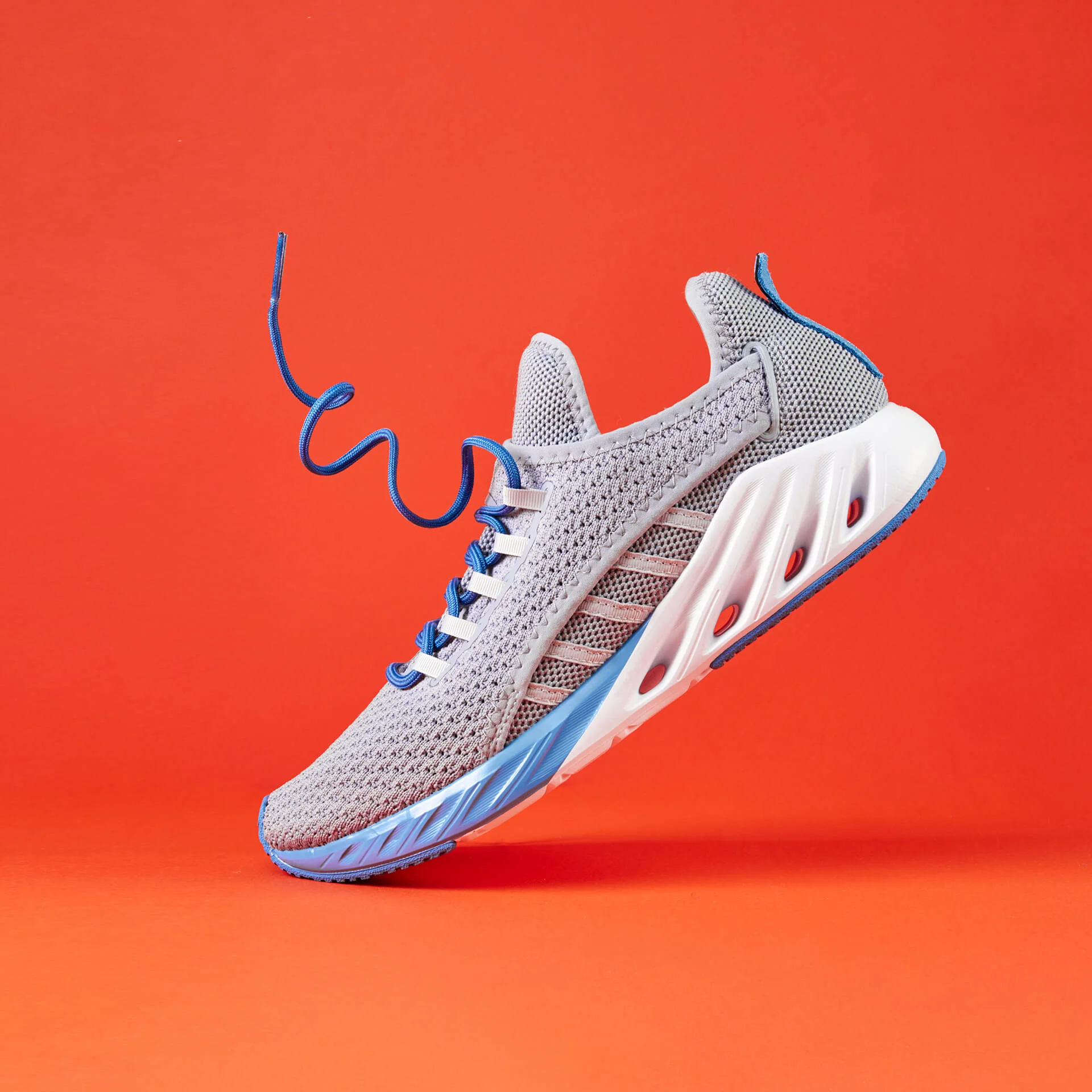
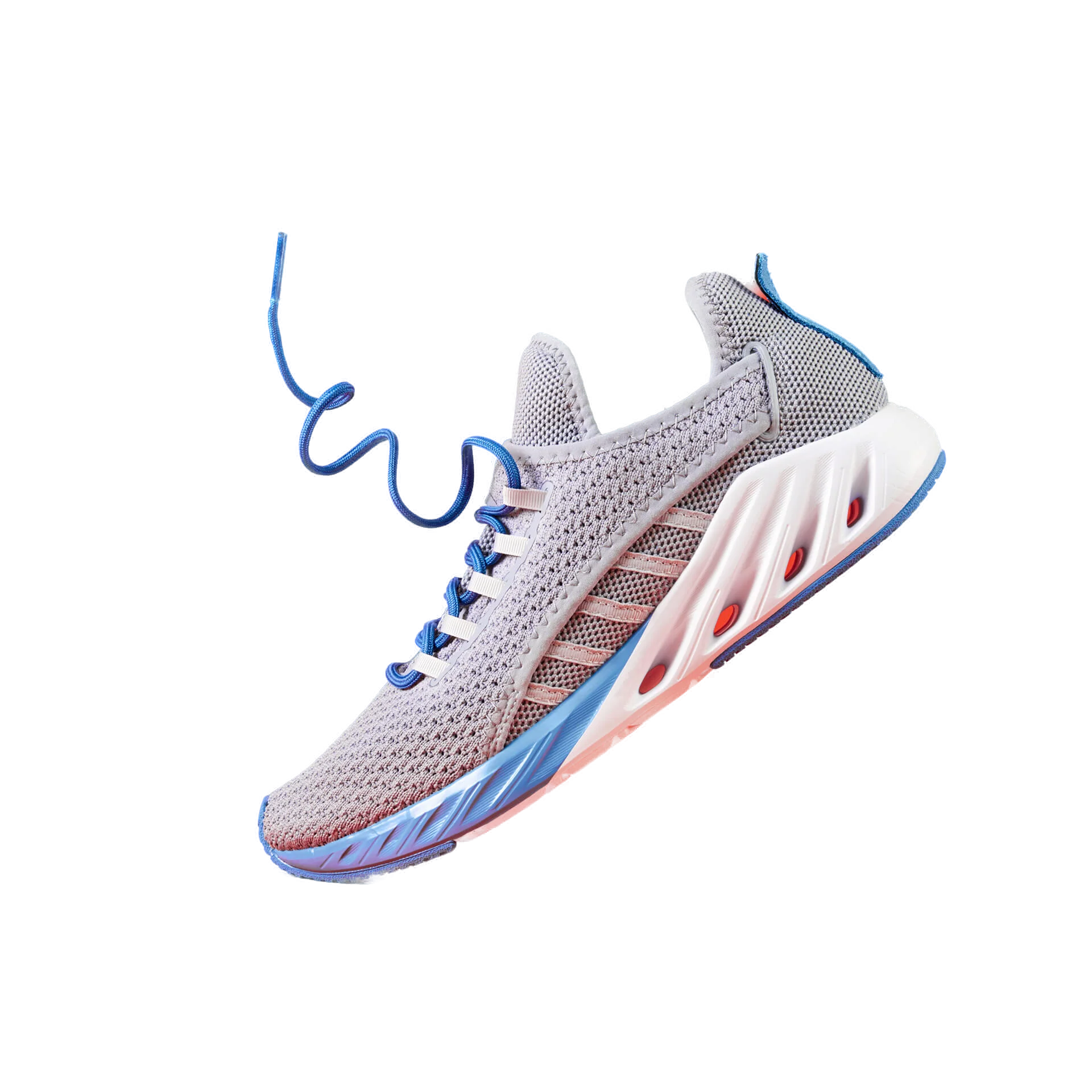
Built for your workflow
Whether you’re selling products, posting content, or designing assets — you want one thing: a clean transparent PNG that’s ready to use.
- Clean product cutouts for Shopify, Amazon, Etsy
- Consistent images for catalogs and collections
- Faster workflow for many SKUs
- Make subjects pop in thumbnails and reels
- Create overlays/stickers fast
- Keep a consistent visual style
- Transparent PNG assets for ads & landing pages
- Quick cutouts for banners and creatives
- Save time on repetitive cleanup
Real examples
Clean subject isolation and a transparent PNG you can drop into any design.




Upload → done → download
No Photoshop. No learning curve. Upload your image, process, and download your PNG.
- 1) Upload
PNG, JPG, WEBP — single or batch.
- 2) Process
Fast or Quality depending on edges.
- 3) Download
Transparent PNG. Watermark-free.
Frequently asked questions
Is it really free?
Yes — you can try it free and download watermark-free results. Upgrade only if you need bigger batches or higher monthly credits.
Will my image lose quality?
You’ll get a clean PNG cutout designed to look natural. For hair and detailed edges, use Quality mode when available.
Can I remove backgrounds in bulk?
Yes. Batch processing is supported. Paid plans unlock larger batch sizes and higher monthly limits.
Do you add watermarks?
Never. Your exports are watermark-free — including the free plan.